本文最后更新于 2026年3月25日 晚上
登录接口的实现
登录接口的需求
登录使用前台和后台的认证授权统一都使用SpringSecurity安全框架来实现
需要实现登录功能
有些功能必须登录后才能使用,未登录状态是不能使用的
登录分析
1.自定义登录接口
调用ProviderManager的方法进行认证 如果认证通过生成jwt 把用户信息存入redis中
2.自定义UserDetailsService
在这个实现类中去查询数据库
注意配置passwordEncoder为BCryptPasswordEncoder
校验:
定义Jwt认证过滤器
获取token 解析token获取其中的userid 从redis中获取用户信息 存入SecurityContextHolder
前提准备
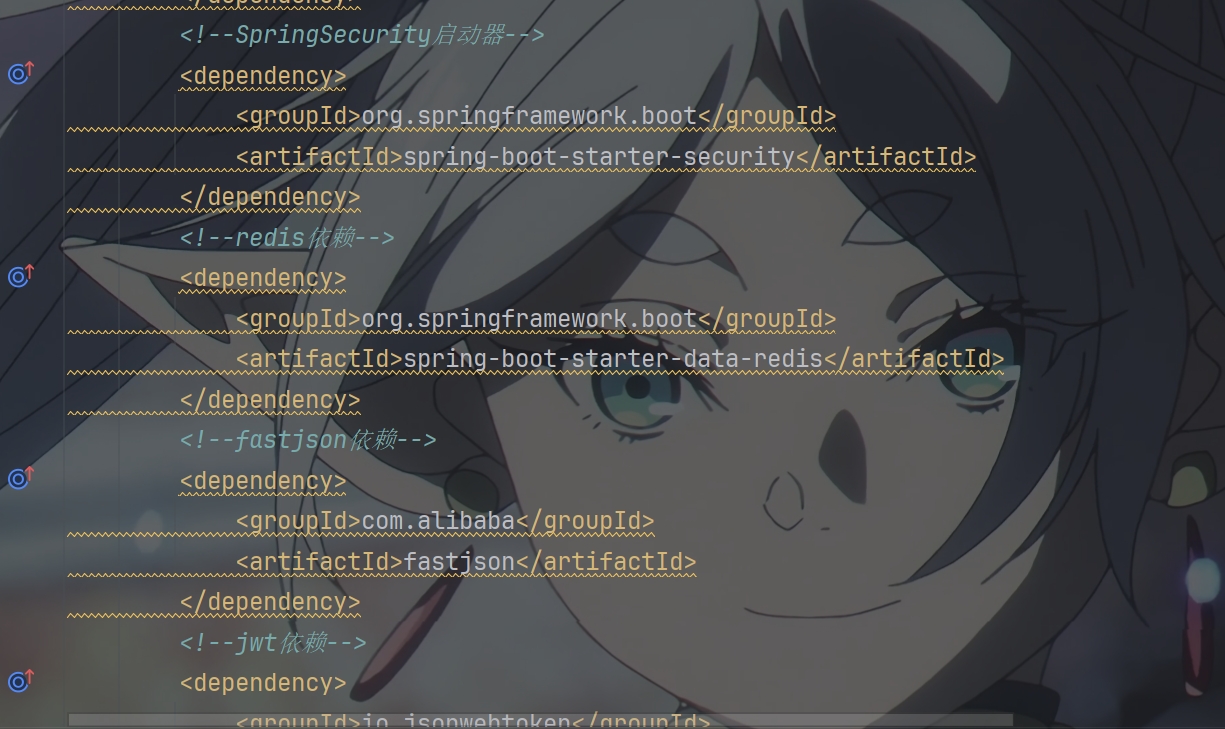
先添加依赖
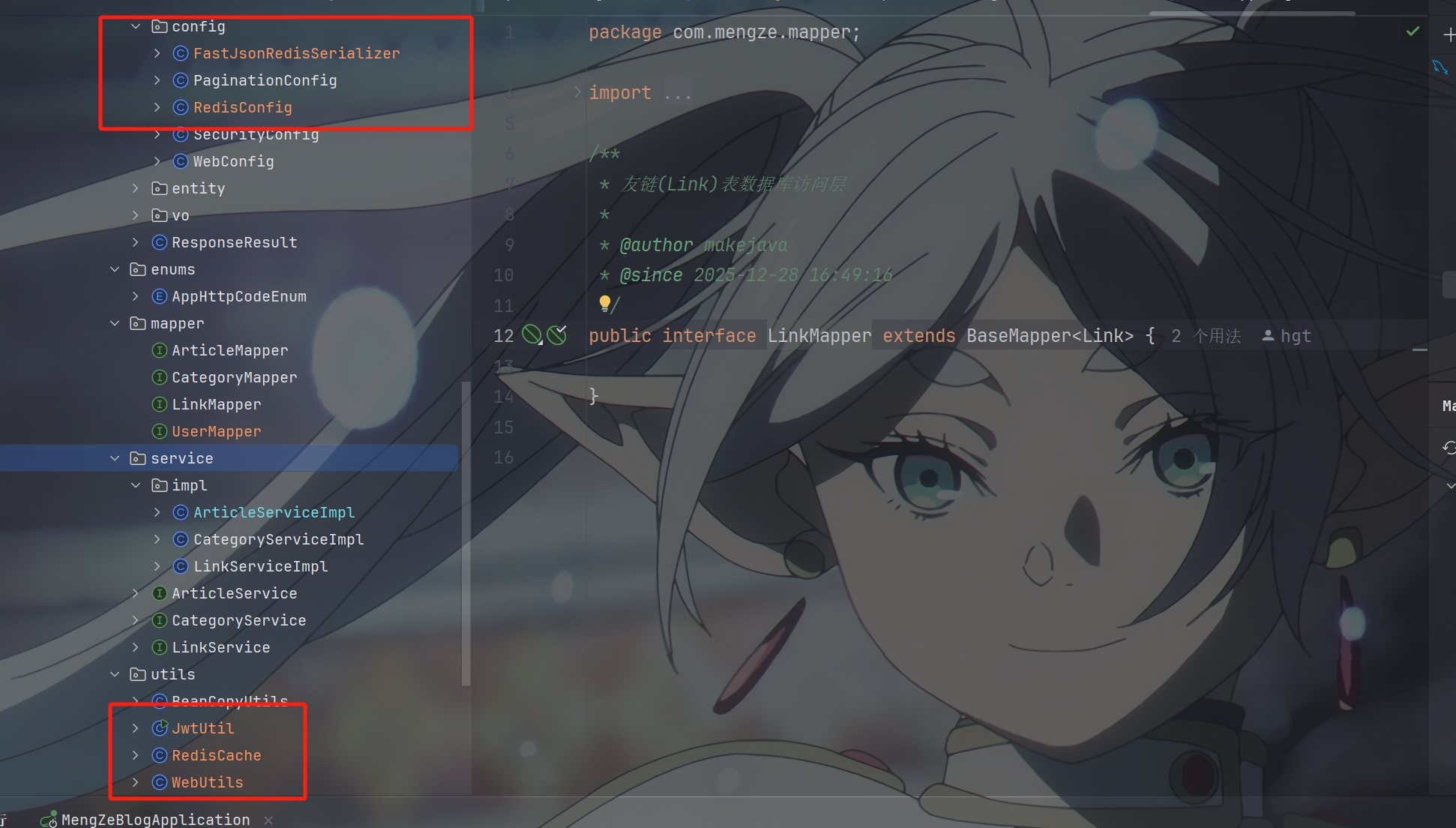
添加需要的工具类
代码实现
先创建BlogLoginController类
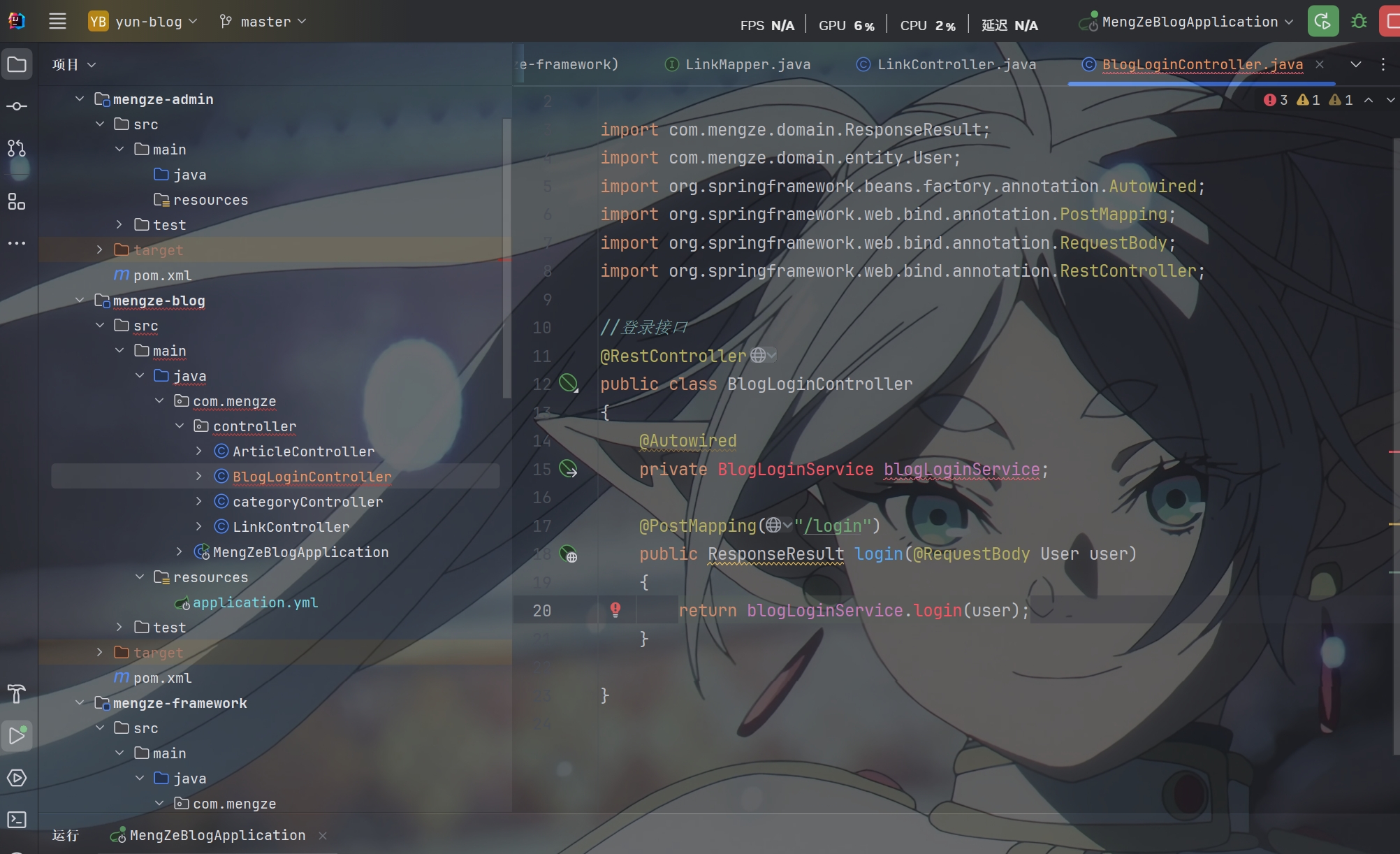
编写登录接口方法
1
2
3
4
5
6
7
8
9
10
11
12
13
14
|
@RestController
public class BlogLoginController
{
@Autowired
private BlogLoginService blogLoginService;
@PostMapping("/login")
public ResponseResult login(@RequestBody User user)
{
return blogLoginService.login(user);
}
}
|
然后创建BlogLoginService接口并在其中创建需要的方法
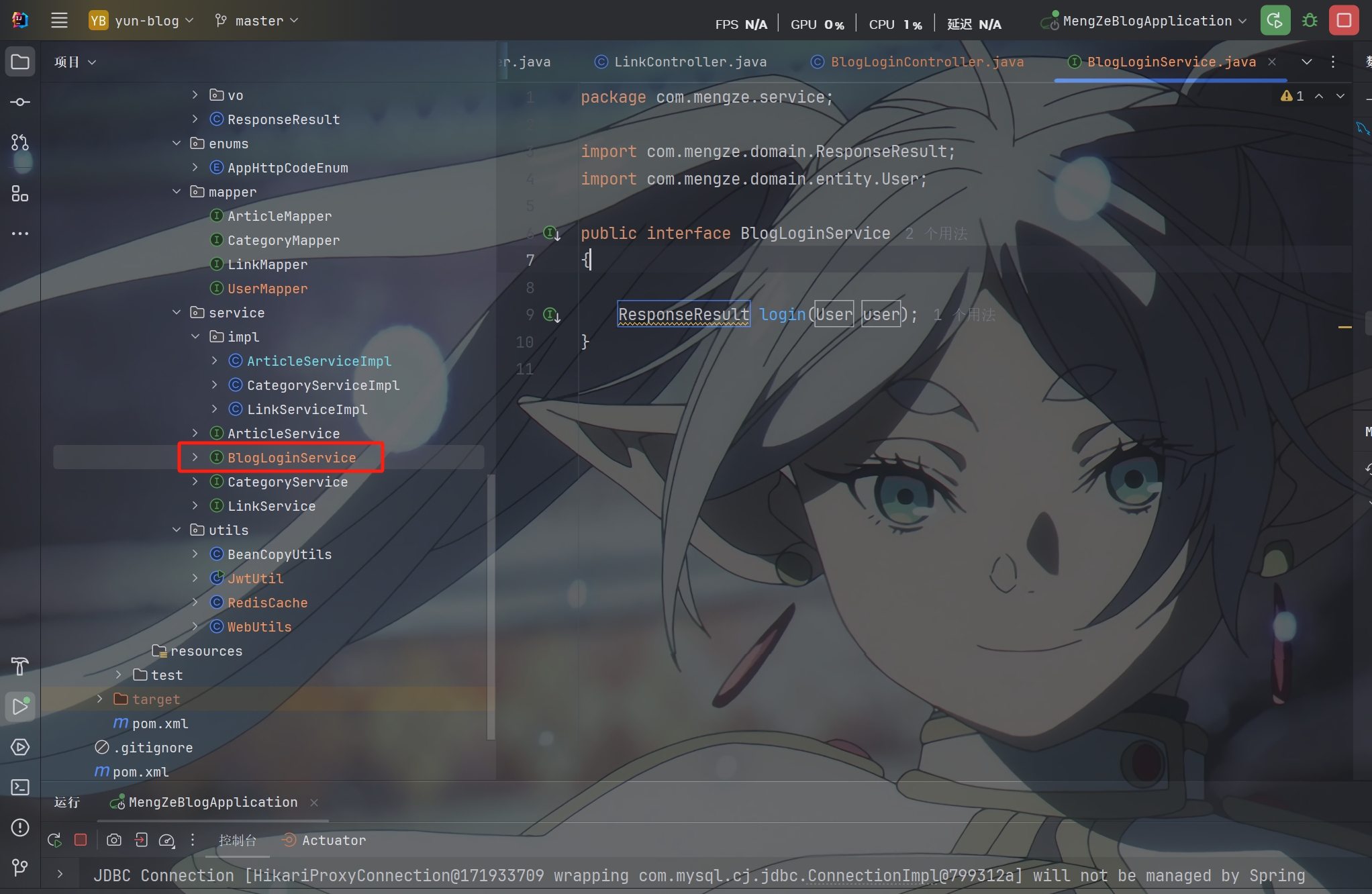
再把BlogLoginService接口的实现类创建出来
核心业务逻辑在这个实现类中实现
1
2
3
4
5
6
7
8
9
10
11
12
13
14
15
16
17
18
19
20
21
22
23
24
25
26
27
28
29
30
31
32
33
34
|
@Service
public class BlogLoginServiceImpl implements BlogLoginService
{
@Autowired
private AuthenticationManager authenticationManager;
@Autowired
private RedisCache redisCache;
@Override
public ResponseResult login(User user) {
UsernamePasswordAuthenticationToken authenticationToken = new UsernamePasswordAuthenticationToken(user.getUsername(), user.getPassword());
Authentication authenticate = authenticationManager.authenticate(authenticationToken);
if (Objects.isNull(authenticate)) {
throw new RuntimeException("用户名或密码错误!");
}
LoginUser loginUser = (LoginUser) authenticate.getPrincipal();
String userId = loginUser.getUser().getId().toString();
String jwt = JwtUtil.createJWT(userId);
redisCache.setCacheObject("bloglogin:" + userId, loginUser);
UserInfoVo userInfoVo = BeanCopyUtils.copyBean(loginUser.getUser(), UserInfoVo.class);
BlogUserLoginVo vo = new BlogUserLoginVo(jwt, userInfoVo);
return ResponseResult.okResult(vo);
}
}
|
使用邮箱和手机号登录
1
2
3
4
5
6
7
8
9
10
11
12
13
14
15
16
17
18
19
20
21
22
23
24
25
26
27
28
29
30
31
32
33
34
35
36
37
38
39
40
41
42
43
44
45
46
47
48
49
50
51
52
53
54
55
56
57
58
59
60
61
62
63
64
65
66
67
68
69
70
71
72
73
74
75
76
77
78
79
80
81
82
83
84
85
86
87
88
89
90
91
92
93
94
95
96
97
98
99
100
101
102
103
104
105
106
107
108
109
110
111
112
113
114
115
116
117
118
119
120
121
122
123
124
|
@Override
public ResponseResult loginByEmail(LoginDto dto)
{
String email = dto.getEmail();
String code = dto.getCode();
if (!StringUtils.hasText(email)) {
return ResponseResult.errorResult(AppHttpCodeEnum.EMAIL_NOT_NULL);
}
if (!StringUtils.hasText(code)) {
return ResponseResult.errorResult(AppHttpCodeEnum.SYSTEM_ERROR, "验证码不能为空");
}
String redisKey = "login:code:email:" + email;
String redisCode = redisCache.getCacheObject(redisKey);
if (!StringUtils.hasText(redisCode)) {
return ResponseResult.errorResult(AppHttpCodeEnum.VERIFICATION_CODE_ERROR);
}
if (!code.equals(redisCode)) {
return ResponseResult.errorResult(AppHttpCodeEnum.VERIFICATION_CODE_ERROR);
}
redisCache.deleteObject(redisKey);
LambdaQueryWrapper<User> queryWrapper = new LambdaQueryWrapper<>();
queryWrapper.eq(User::getEmail, email);
User user = userMapper.selectOne(queryWrapper);
if (user == null) {
return ResponseResult.errorResult(AppHttpCodeEnum.SYSTEM_ERROR, "用户不存在");
}
return generateLoginResponse(user);
}
@Override
public ResponseResult loginByPhone(LoginDto dto)
{
String phone = dto.getPhone();
String code = dto.getCode();
if (!StringUtils.hasText(phone)) {
return ResponseResult.errorResult(AppHttpCodeEnum.SYSTEM_ERROR, "手机号不能为空");
}
if (!StringUtils.hasText(code)) {
return ResponseResult.errorResult(AppHttpCodeEnum.SYSTEM_ERROR, "验证码不能为空");
}
if (!phone.matches("^1[3-9]\\d{9}$")) {
return ResponseResult.errorResult(AppHttpCodeEnum.PHONE_FORMAT_ERROR);
}
String redisKey = "login:code:phone:" + phone;
String redisCode = redisCache.getCacheObject(redisKey);
if (!StringUtils.hasText(redisCode)) {
return ResponseResult.errorResult(AppHttpCodeEnum.VERIFICATION_CODE_ERROR);
}
if (!code.equals(redisCode)) {
return ResponseResult.errorResult(AppHttpCodeEnum.VERIFICATION_CODE_ERROR);
}
redisCache.deleteObject(redisKey);
LambdaQueryWrapper<User> queryWrapper = new LambdaQueryWrapper<>();
queryWrapper.eq(User::getPhone, phone);
User user = userMapper.selectOne(queryWrapper);
if (user == null) {
return ResponseResult.errorResult(AppHttpCodeEnum.SYSTEM_ERROR, "用户不存在");
}
return generateLoginResponse(user);
}
private ResponseResult generateLoginResponse(User user)
{
LoginUser loginUser = new LoginUser(user);
String userId = user.getId().toString();
String jwt = JwtUtil.createJWT(userId);
redisCache.setCacheObject("bloglogin:" + userId, loginUser);
UserInfoVo userInfoVo = BeanCopyUtils.copyBean(user, UserInfoVo.class);
if (!StringUtils.hasText(userInfoVo.getNickname())) {
userInfoVo.setNickname(user.getUsername());
}
if (!StringUtils.hasText(userInfoVo.getAvatar())) {
userInfoVo.setAvatar(GravatarUtils.getGravatarUrl(user.getEmail()));
}
BlogUserLoginVo vo = new BlogUserLoginVo(jwt, userInfoVo);
return ResponseResult.okResult(vo);
}
|
修改SecurityConfig类配置
1
2
3
4
5
6
7
8
9
10
11
12
13
14
15
16
17
18
19
20
21
22
23
24
25
26
27
28
29
30
31
32
33
34
35
36
37
38
39
40
41
|
@Configuration
public class SecurityConfig extends WebSecurityConfigurerAdapter {
@Override
protected void configure(HttpSecurity http) throws Exception {
http
.csrf().disable()
.sessionManagement().sessionCreationPolicy(SessionCreationPolicy.STATELESS)
.and()
.authorizeRequests()
.antMatchers("/login").anonymous()
.anyRequest().permitAll();
http.logout().disable();
http.csrf();
}
@Bean
public PasswordEncoder passwordEncoder()
{
return new BCryptPasswordEncoder();
}
@Bean
public AuthenticationManager authenticationManager() throws Exception
{
return super.authenticationManager();
}
}
|
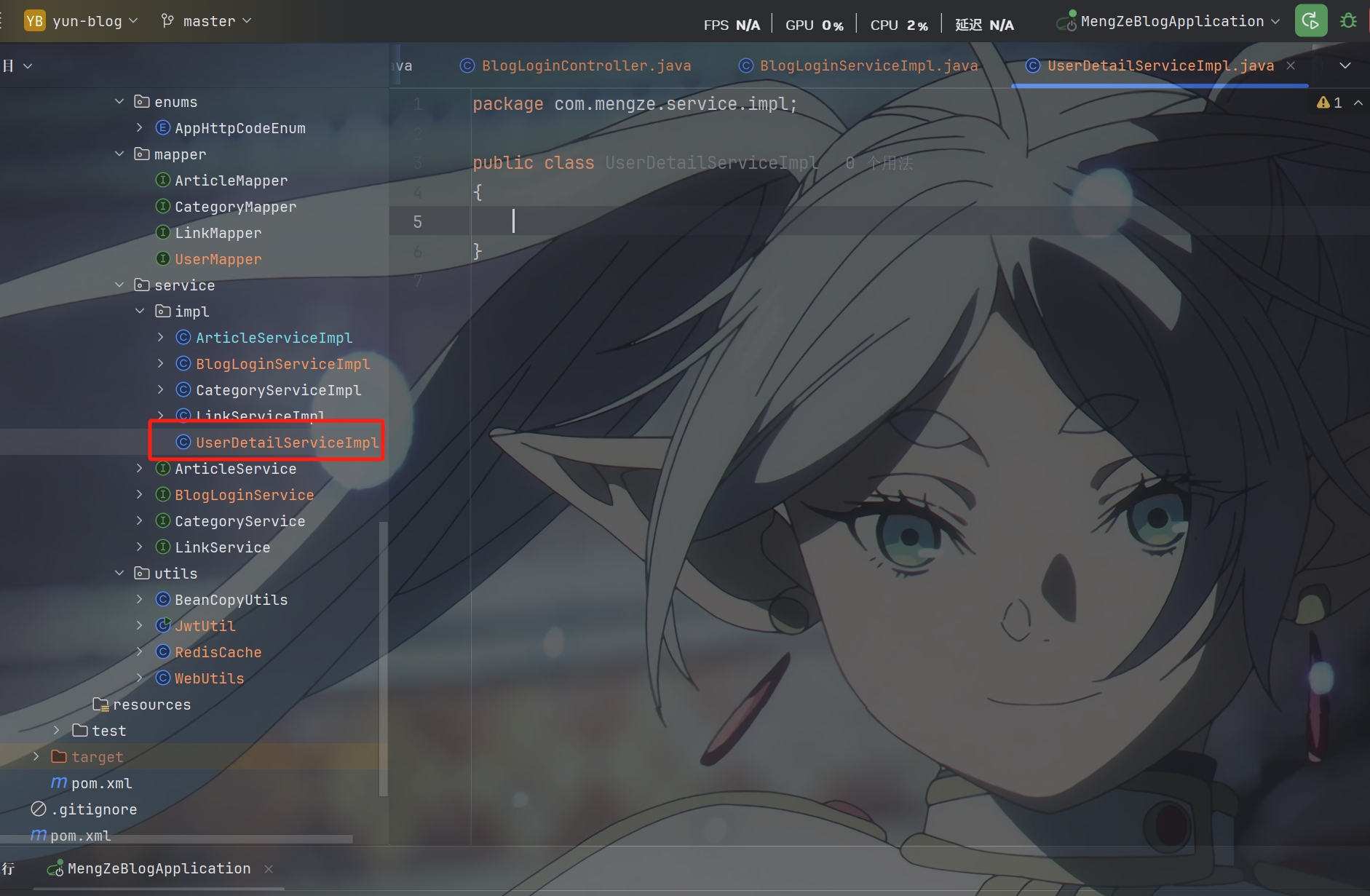
创建UserDetailServiceImpl类
1
2
3
4
5
6
7
8
9
10
11
12
13
14
15
16
17
18
19
20
21
22
23
24
| @Service
public class UserDetailServiceImpl implements UserDetailsService
{
@Autowired
private UserMapper userMapper;
@Override
public UserDetails loadUserByUsername(String username) throws UsernameNotFoundException
{
LambdaQueryWrapper<User> queryWrapper = new LambdaQueryWrapper<>();
queryWrapper.eq(User::getUsername, username);
User user = userMapper.selectOne(queryWrapper);
if (Objects.isNull(user)){
throw new RuntimeException("用户不存在");
}
return new LoginUser(user);
}
}
|
创建LoginUser实体类
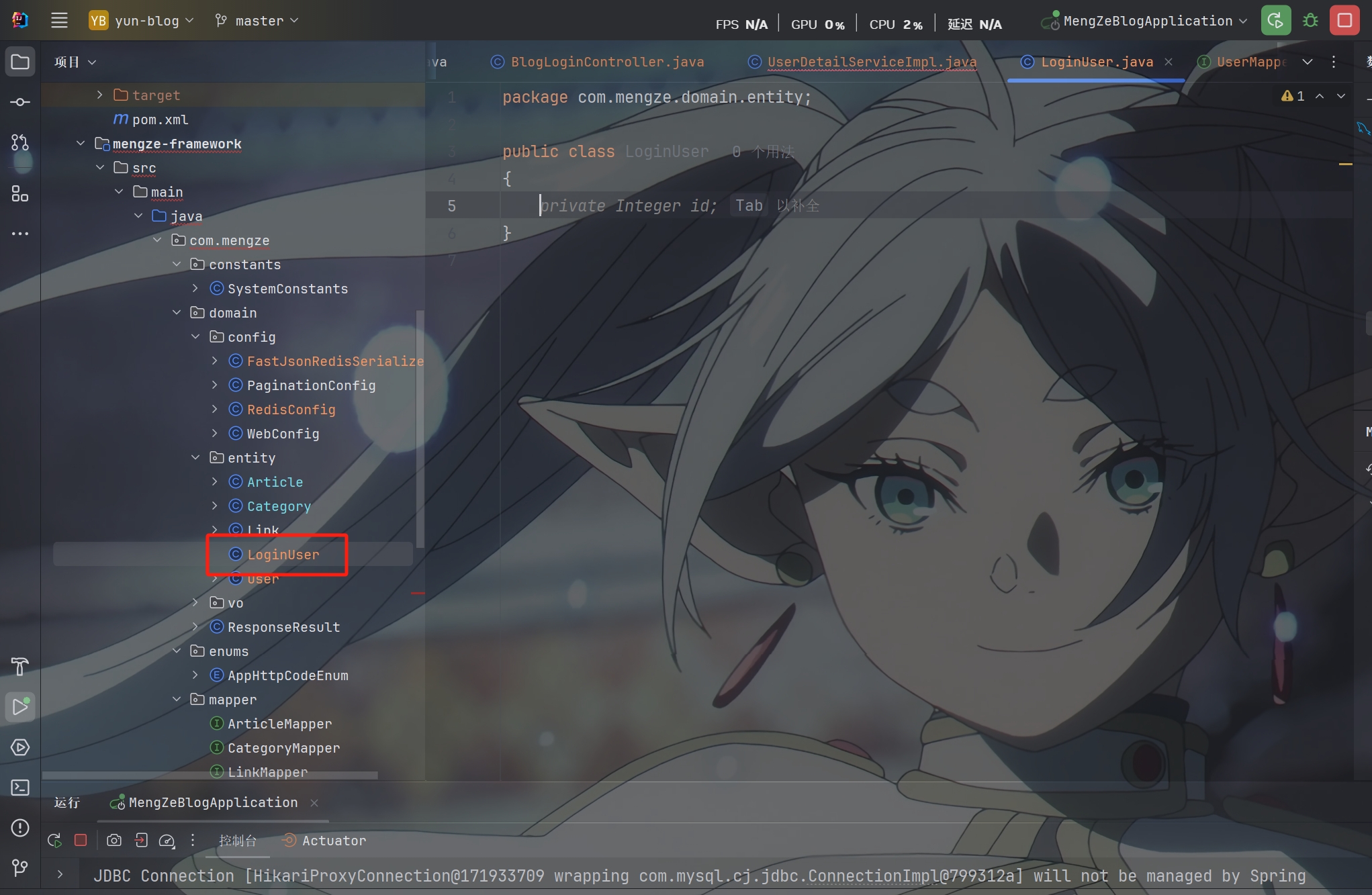
实现其中的方法
1
2
3
4
5
6
7
8
9
10
11
12
13
14
15
16
17
18
19
20
21
22
23
24
25
26
27
28
29
30
31
32
33
34
35
36
37
38
39
40
41
42
| @Data
@AllArgsConstructor
@NoArgsConstructor
public class LoginUser implements UserDetails
{
private User user;
@Override
public Collection<? extends GrantedAuthority> getAuthorities() {
return List.of();
}
@Override
public String getPassword() {
return user.getPassword();
}
@Override
public String getUsername() {
return user.getUsername();
}
@Override
public boolean isAccountNonExpired() {
return true;
}
@Override
public boolean isAccountNonLocked() {
return true;
}
@Override
public boolean isCredentialsNonExpired() {
return true;
}
@Override
public boolean isEnabled() {
return true;
}
}
|
分别创建BlogUserLoginVo和UserInfoVo对数据进行封装
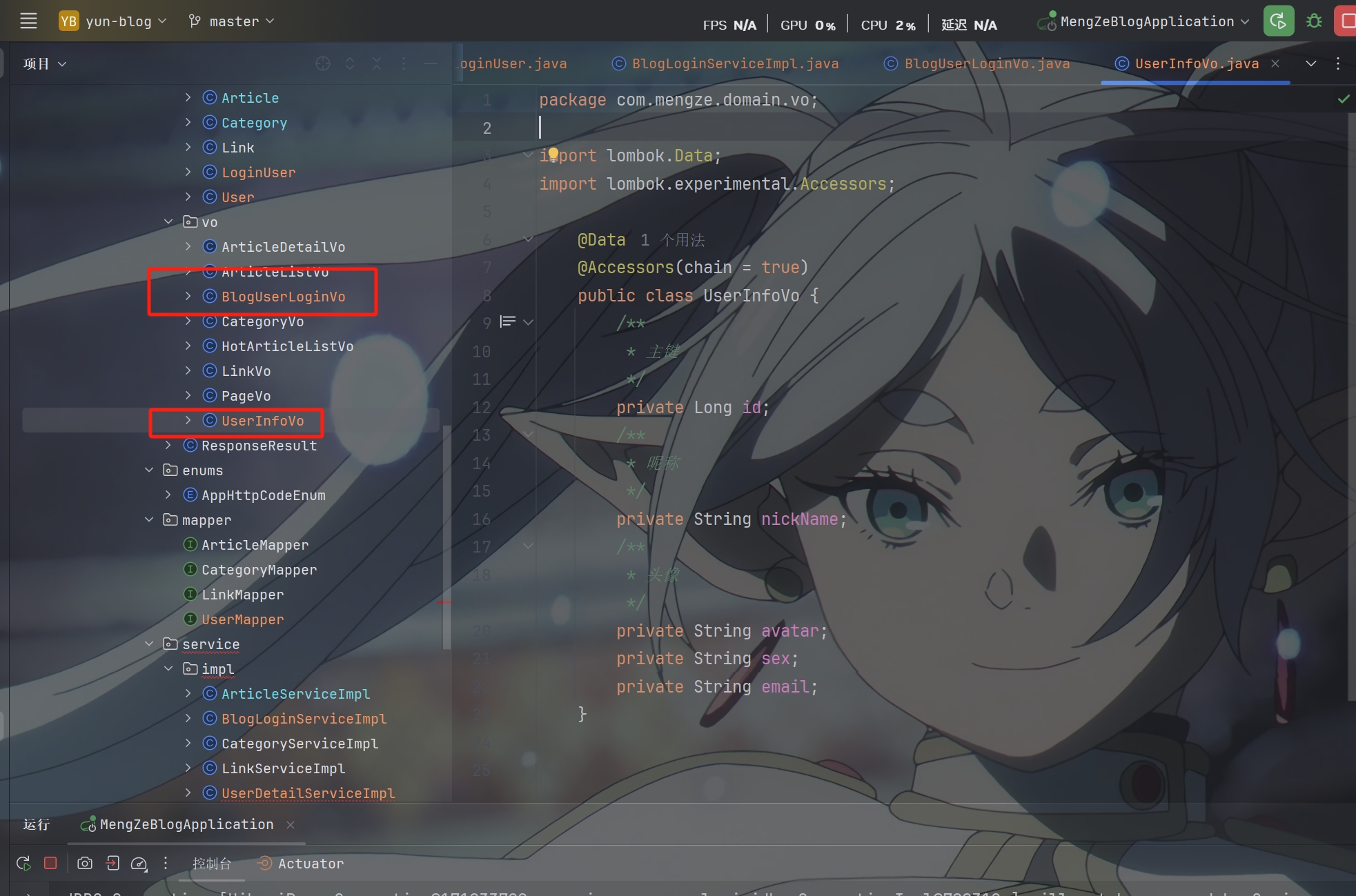
BlogUserLoginVo里
1
2
3
4
5
6
7
8
9
| @Data
@AllArgsConstructor
@NoArgsConstructor
public class BlogUserLoginVo
{
private String token;
private UserInfoVo userInfo;
}
|
UserInfoVo里
1
2
3
4
5
6
7
8
9
10
11
12
13
14
15
16
17
18
19
| @Data
@Accessors(chain = true)
public class UserInfoVo {
private Long id;
private String nickName;
private String avatar;
private String sex;
private String email;
}
|
登录校验过滤器代码实现
定义Jwt认证过滤器
获取token 解析token获取其中的userid
从redis中获取用户信息 存入SecurityContextHolder
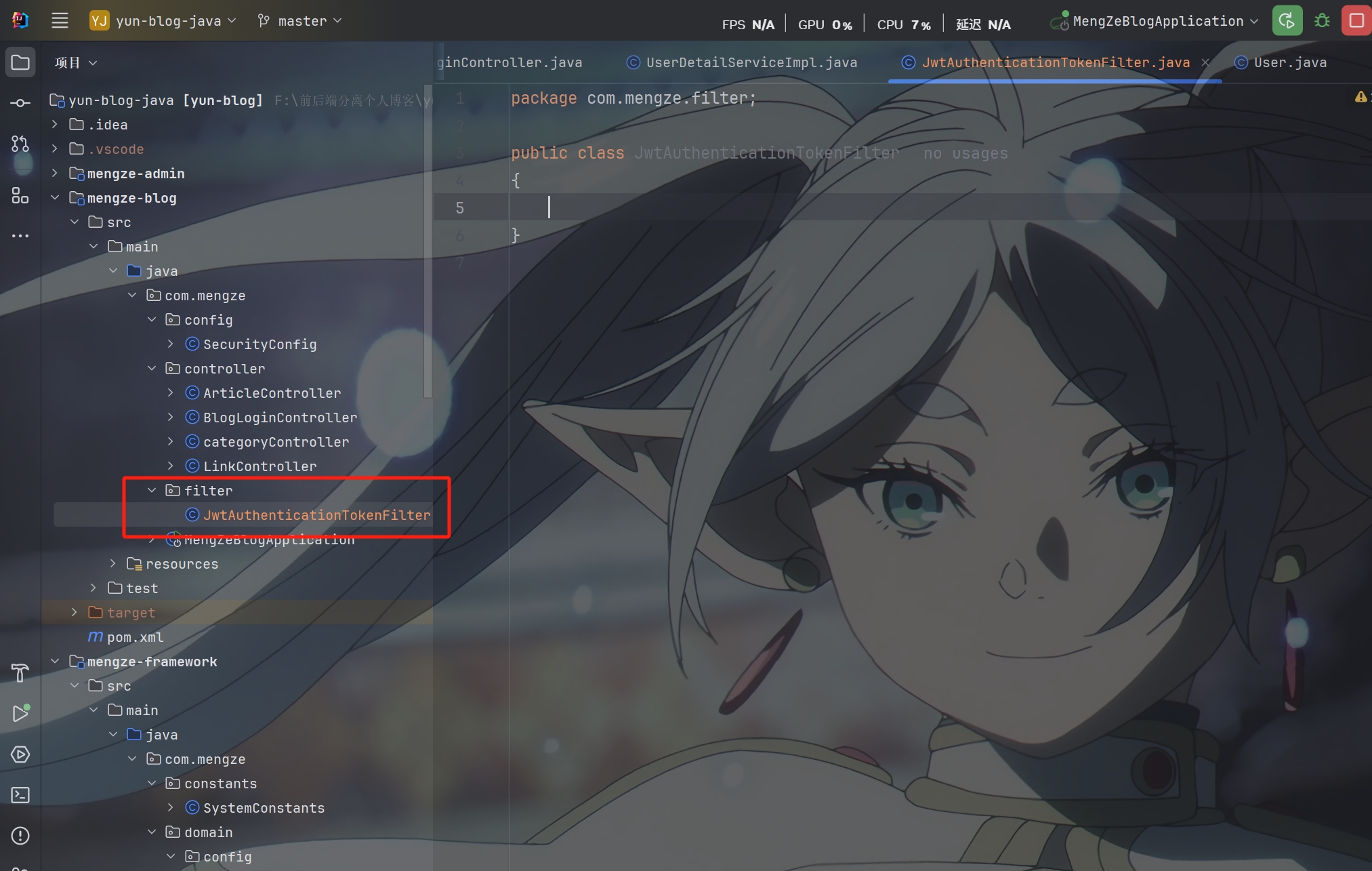
创建JwtAuthenticationTokenFilter类
1
2
3
4
5
6
7
8
9
10
11
12
13
14
15
16
17
18
19
20
21
22
23
24
25
26
27
28
29
30
31
32
33
34
35
36
37
38
39
40
41
42
43
44
45
46
47
|
@Component
public class JwtAuthenticationTokenFilter extends OncePerRequestFilter
{
@Autowired
private RedisCache redisCache;
@Override
protected void doFilterInternal(HttpServletRequest httpServletRequest, HttpServletResponse httpServletResponse, FilterChain filterChain) throws ServletException, IOException
{
String token = httpServletRequest.getHeader("token");
if (!StringUtils.hasText(token)){
filterChain.doFilter(httpServletRequest, httpServletResponse);
return;
}
Claims claims = null;
try {
claims = JwtUtil.parseJWT(token);
} catch (Exception e) {
e.printStackTrace();
ResponseResult responseResult = ResponseResult.errorResult(AppHttpCodeEnum.NEED_LOGIN);
WebUtils.renderString(httpServletResponse, JSON.toJSONString(responseResult));
return;
}
String userId = claims.getSubject();
LoginUser loginUser = redisCache.getCacheObject("bloglogin:" + userId);
if (Objects.isNull(loginUser)){
ResponseResult responseResult = ResponseResult.errorResult(AppHttpCodeEnum.NEED_LOGIN);
WebUtils.renderString(httpServletResponse, JSON.toJSONString(responseResult));
return;
}
UsernamePasswordAuthenticationToken authentication = new UsernamePasswordAuthenticationToken(loginUser, null, null);
SecurityContextHolder.getContext().setAuthentication(authentication);
filterChain.doFilter(httpServletRequest, httpServletResponse);
}
}
|
认证授权异常处理
通过自定义异常处理器来实现符合项目接口规范的响应的格式
自定义以下两种处理器
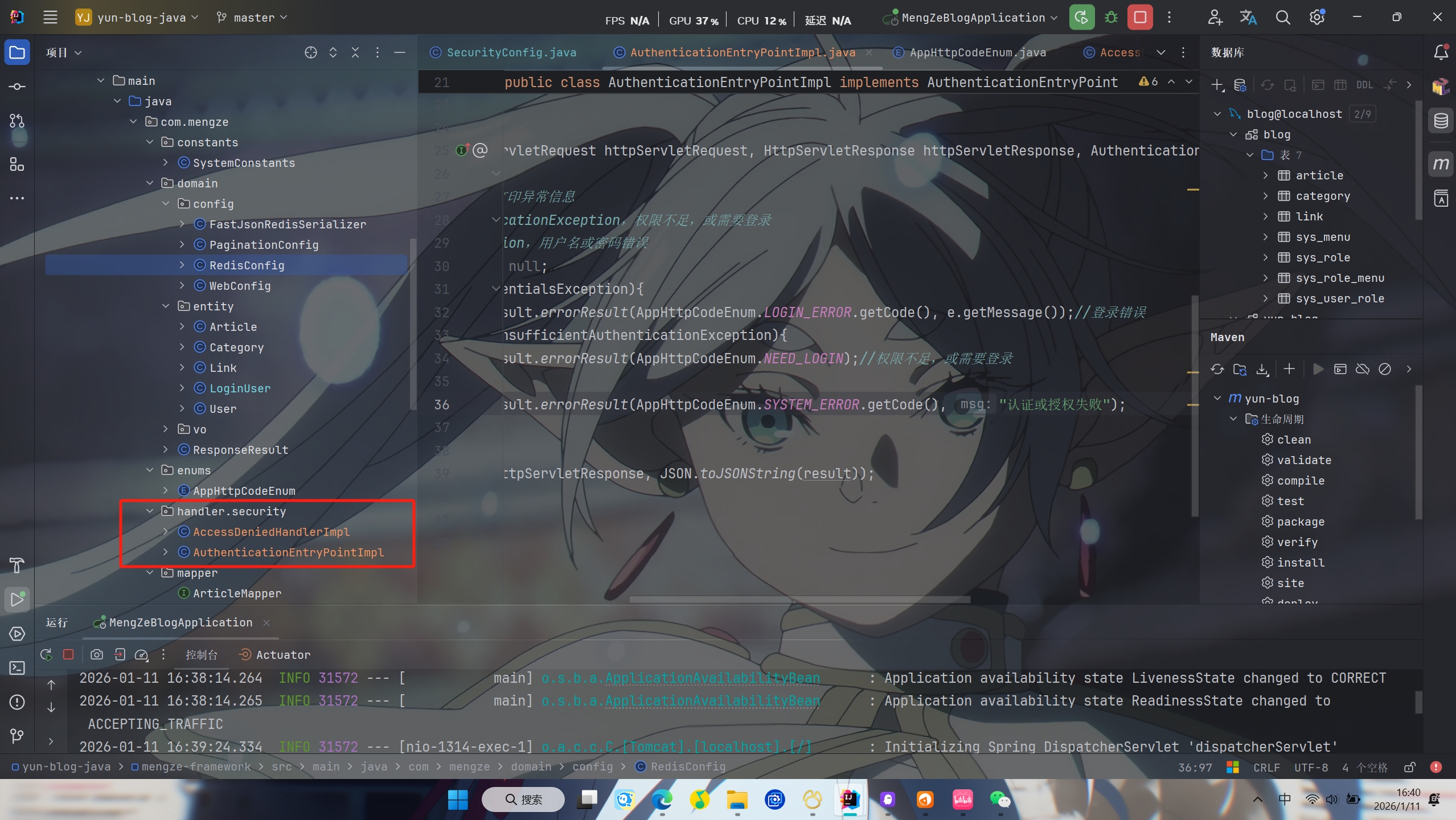
AuthenticationEntryPoint 认证失败处理器
1
2
3
4
5
6
7
8
9
10
11
12
13
14
15
16
17
18
19
20
21
22
23
|
@Component
public class AuthenticationEntryPointImpl implements AuthenticationEntryPoint
{
@Override
public void commence(HttpServletRequest httpServletRequest, HttpServletResponse httpServletResponse, AuthenticationException e) throws IOException, ServletException
{
e.printStackTrace();
ResponseResult result = null;
if(e instanceof BadCredentialsException){
result = ResponseResult.errorResult(AppHttpCodeEnum.LOGIN_ERROR.getCode(), e.getMessage());
}else if(e instanceof InsufficientAuthenticationException){
result = ResponseResult.errorResult(AppHttpCodeEnum.NEED_LOGIN);
}else {
result = ResponseResult.errorResult(AppHttpCodeEnum.SYSTEM_ERROR.getCode(), "认证或授权失败");
}
WebUtils.renderString(httpServletResponse, JSON.toJSONString(result));
}
}
|
AccessDeniedHandler 授权失败处理器
1
2
3
4
5
6
7
8
9
10
11
12
13
14
15
|
@Component
public class AccessDeniedHandlerImpl implements AccessDeniedHandler
{
@Override
public void handle(HttpServletRequest httpServletRequest, HttpServletResponse httpServletResponse, AccessDeniedException e) throws IOException, ServletException
{
e.printStackTrace();
ResponseResult result = ResponseResult.errorResult(AppHttpCodeEnum.NO_OPERATOR_AUTH);
WebUtils.renderString(httpServletResponse, JSON.toJSONString(result));
}
}
|
统一异常处理
开发过程中可能需要做很多的判断校验,如果出现了非法情况需要响应对应的提示
但是如果我们每次都自己手动去处理就会非常麻烦
所以可以选择直接抛出异常的方式对异常进行统一处理
把异常中的信息封装成ResponseResult响应给前端
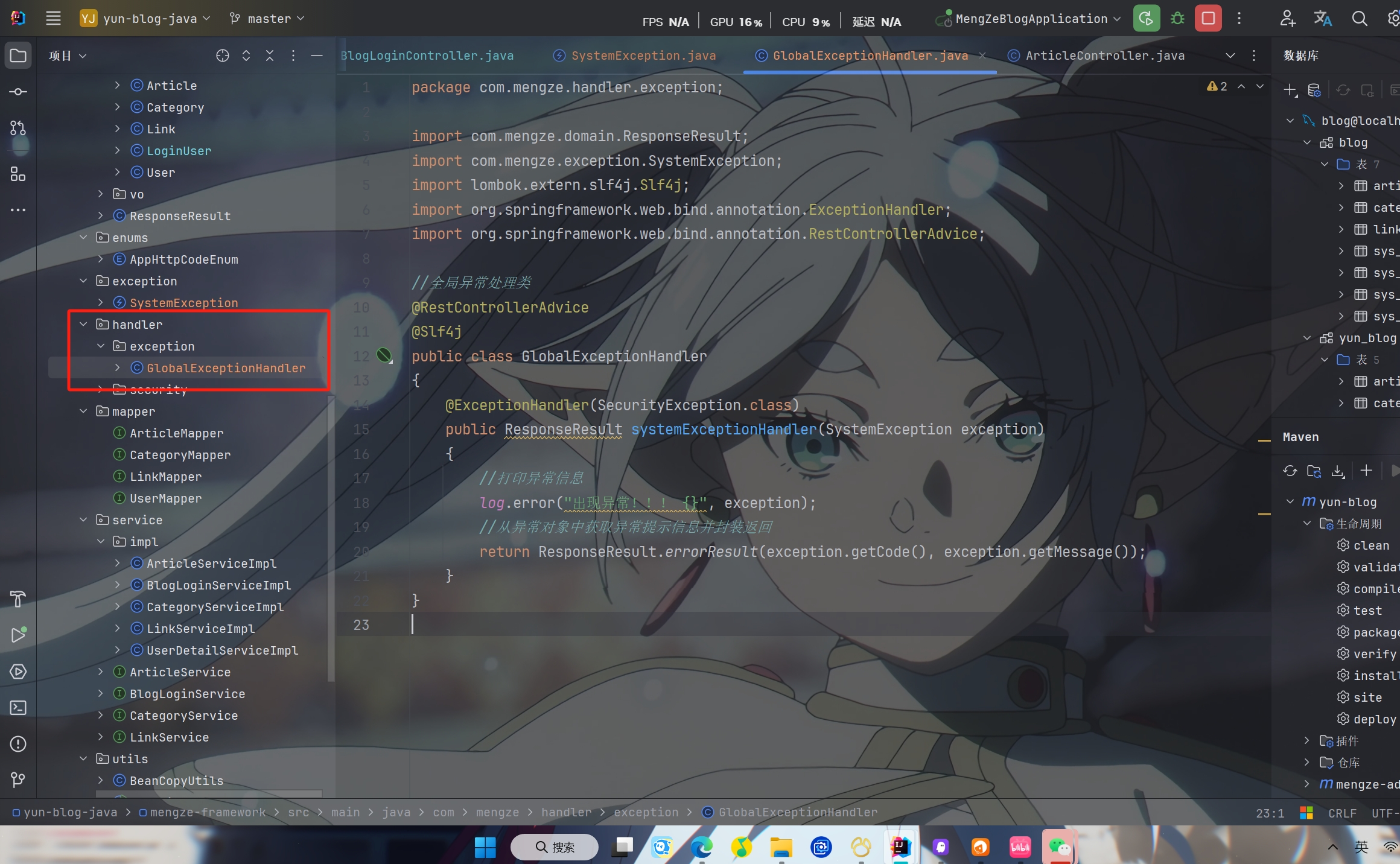
自定义异常抛出处理类SystemException
1
2
3
4
5
6
7
8
9
10
11
12
13
14
15
16
17
18
19
20
21
22
23
24
|
@RestControllerAdvice
@Slf4j
public class GlobalExceptionHandler
{
@ExceptionHandler(SecurityException.class)
public ResponseResult systemExceptionHandler(SystemException exception)
{
log.error("出现异常!!! {}", exception);
return ResponseResult.errorResult(exception.getCode(), exception.getMessage());
}
@ExceptionHandler(Exception.class)
public ResponseResult exceptionHandler(Exception exception)
{
log.error("出现异常!!! {}", exception);
return ResponseResult.errorResult(AppHttpCodeEnum.SYSTEM_ERROR.getCode(), exception.getMessage());
}
}
|
PS:该系列只做为作者学习开发项目做的笔记用
不一定符合读者来学习,仅供参考
预告
后续会记录博客的开发过程
每次学习会做一份笔记来进行发表
“一花一世界,一叶一菩提”
版权所有 © 2026 云梦泽
欢迎访问我的个人网站:https://hgt12.github.io/